
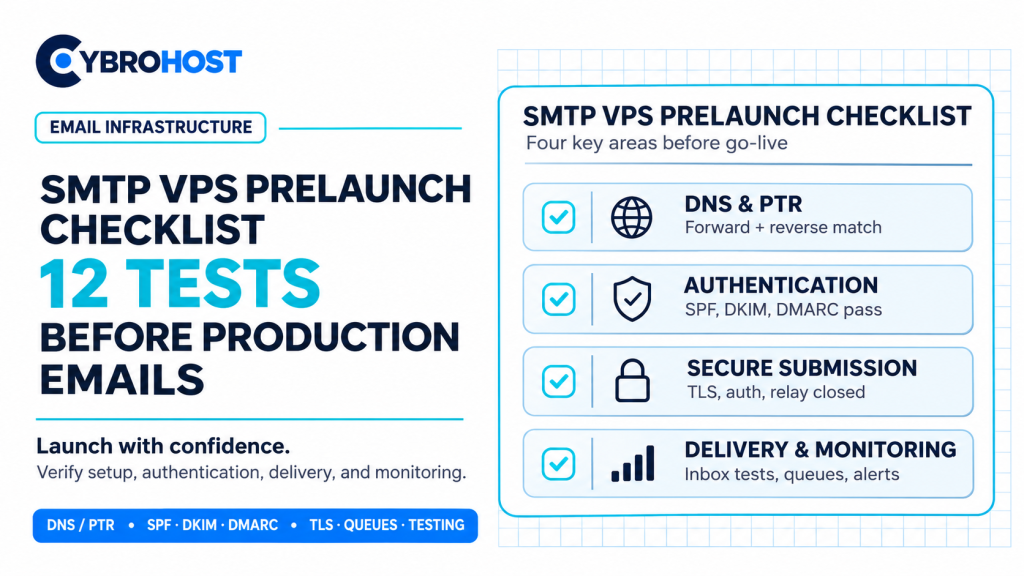
An SMTP VPS prelaunch checklist helps catch delivery problems before real customers are affected. An open port alone does not make a mail server production-ready. Instead, verify DNS identity, secure submission, sender authentication, and monitoring. Run these 12 tests before sending legitimate production email.
SMTP VPS Prelaunch Checklist: Server and Network Tests
1. Verify Your Hostname and PTR Record
First, check that mail.example.com resolves to your sending IP. Then confirm the IP’s PTR record points back to that hostname. Mismatched forward and reverse DNS can trigger rejections.
2. Test Outbound Port 25
Next, confirm the VPS can reach recipient mail servers on TCP port 25 when delivering directly. If your provider blocks it, use an authorized SMTP relay instead. Test IPv4 and IPv6 routes separately when both are active.
3. Confirm Secure SMTP Submission
Then test authenticated submission on port 587 with required STARTTLS or 465 with implicit TLS. Check the certificate hostname and reject unencrypted logins. Try an incorrect password to confirm authentication fails.
4. Reject Unauthorized Relaying
Also, attempt a controlled unauthenticated relay test from an external address to another external domain. The server must refuse it. Also review firewall rules and restrict administrative access.
Test Email Authentication and Reputation
5. Validate Your SPF Record
Next, publish one valid SPF policy covering every authorized sender, including external relays. Then verify that your actual outgoing IP passes SPF.
6. Test DKIM Signatures
For example, send a signed message and inspect its headers for dkim=pass. Use a supported key length; 2048-bit DKIM keys are a sensible choice where available.
7. Check DMARC Alignment
Then confirm that SPF or DKIM passes and aligns with the visible From domain. Publish a DMARC record and review reports. A published policy alone does not prove alignment.
8. Check the Sending IP’s Reputation
Also, look for relevant IP blocklist entries and historical abuse. A policy listing is not always evidence of spam. Investigate any rejection that identifies a specific blocklist.
Test Delivery and Operational Readiness
9. Send Real Inbox Tests
Next, send permission-based test messages to Gmail and Outlook accounts. Inspect authentication results, formatting, and placement. SMTP acceptance does not guarantee inbox delivery.
10. Test Bounce and Retry Handling
Then trigger a temporary failure and check whether mail queues safely. Distinguish 4xx deferrals from 5xx permanent rejections. Avoid rapid retries that worsen throttling.
11. Monitor Queues and Server Health
Meanwhile, track queue age, disk space, failed logins, TLS errors, and rejection rates. Set alerts before a delayed queue affects password resets or order confirmations.
12. Limit Sending and Test Recovery
Finally, set conservative per-application limits, protect credentials, and test backup and restoration. Start with low, consistent volumes. Follow Google’s email sender guidelines as you increase traffic.
For a self-managed server, CybroHost SMTP VPS Hosting offers root access, port 25, and PTR/rDNS controls. You remain responsible for safe configuration and sender reputation.
FAQs
Does port 25 being open mean my SMTP VPS is ready?
No. You also need secure submission, DNS authentication, relay restrictions, and delivery tests.
Should I test both Gmail and Outlook?
Yes. Their filtering decisions can differ, so test both and inspect complete message headers.
Can a new sending IP immediately send high volumes?
Avoid sudden spikes. Begin with legitimate, expected traffic and monitor bounces, complaints, and provider feedback.
Final Recommendation
Run all 12 prelaunch tests, correct failures, and keep monitoring after launch. Reliable email starts with verifiable configuration—not sending volume.
