
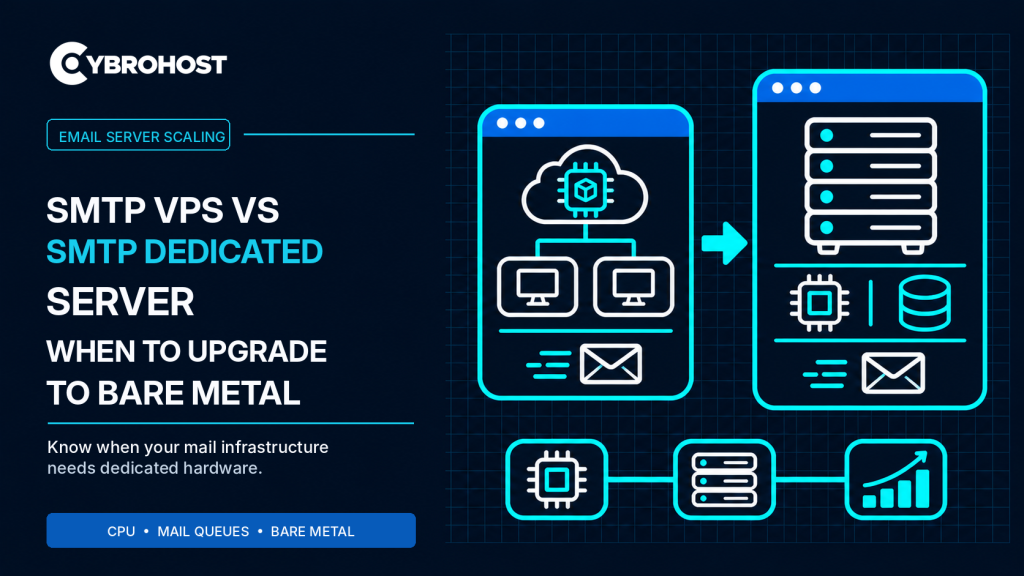
Comparing SMTP VPS vs SMTP dedicated server hosting starts with your mail workload, not an arbitrary daily email count. An SMTP VPS can handle legitimate transactional messages and growing mail queues. Bare metal becomes useful when sustained CPU, memory, or storage demands exceed the virtual server’s practical capacity.
SMTP VPS vs SMTP Dedicated Server: Key Differences
| Factor | SMTP VPS | SMTP dedicated server |
|---|---|---|
| Hardware | Virtualized share of a physical host | Entire physical server assigned to you |
| Scaling | Usually quicker to resize | Hardware changes can require more planning |
| Resources | Allocated vCPU, RAM, and disk | Full server CPU, RAM, and storage |
| Cost | Lower entry cost | Higher fixed commitment |
| Best fit | Small to growing mail workloads | Sustained, resource-heavy mail infrastructure |
Both options can provide administrator control. Neither automatically guarantees higher sending limits or better inbox placement.
When Is an SMTP VPS Still Enough?
Stay on a VPS when delivery remains stable, queues drain normally, and CPU and memory have room for traffic spikes. A properly sized VPS can host Postfix, authenticated submission, DKIM signing, and monitoring without needing an entire physical machine.
Before upgrading, examine the real cause of slow mail. Remote providers may defer messages because of reputation, rate limits, or authentication problems. More CPU will not fix those rejections.
Three Signs Bare Metal May Be Worth It
1. Sustained Processing Pressure
Spam filtering, antivirus scanning, TLS connections, and several mail services can increase CPU and RAM usage. If sustained demand remains high after software tuning, dedicated hardware offers more predictable headroom.
2. Growing Queues and Storage I/O
Large queues create disk activity. Check queue depth alongside storage latency rather than assuming queued mail means the server is undersized. The official Postfix queue analysis guide explains how to identify where messages are accumulating.
3. A Need for Hardware-Level Isolation
Bare metal gives you exclusive physical resources and more control over storage layout and network configuration. That can matter for several mail domains, custom security services, or consistent high-load processing.
What Bare Metal Does Not Fix
A dedicated machine does not automatically provide a clean sending IP, unlimited SMTP connections, or guaranteed delivery to Gmail and Outlook. SPF, DKIM, DMARC, PTR/rDNS, complaint rates, and recipient-server policies still apply.
Before ordering, confirm outbound port 25, permitted email workloads, available IPv4 addresses, PTR controls, network terms, and abuse policies. CybroHost dedicated server plans offer bare-metal resources, but SMTP-specific network permissions should be confirmed for the selected configuration.
How to Plan a Safe Upgrade
Measure CPU, available RAM, disk latency, queue age, and delivery errors during peak periods. Compare the cost of resizing your VPS against moving to bare metal. If migrating, back up configurations and signing keys, verify the new server’s DNS identity, test authenticated submission, and preserve a rollback plan.
A new sending IP may need gradual warm-up. Keep legitimate traffic controlled while monitoring deferrals and reputation.
FAQs
Is a dedicated SMTP server always faster?
No. The bottleneck may be recipient throttling, DNS, or application configuration rather than VPS hardware.
Does bare metal improve email deliverability?
Not automatically. Sending reputation and domain authentication remain essential on either hosting type.
When should I move from an SMTP VPS?
Move when measurements show sustained resource constraints that a sensible VPS upgrade cannot resolve economically.
Final Recommendation
Start with a properly configured SMTP VPS. Upgrade to bare metal when measured capacity, isolation needs, and total cost justify the move—not simply because you send more email.
