
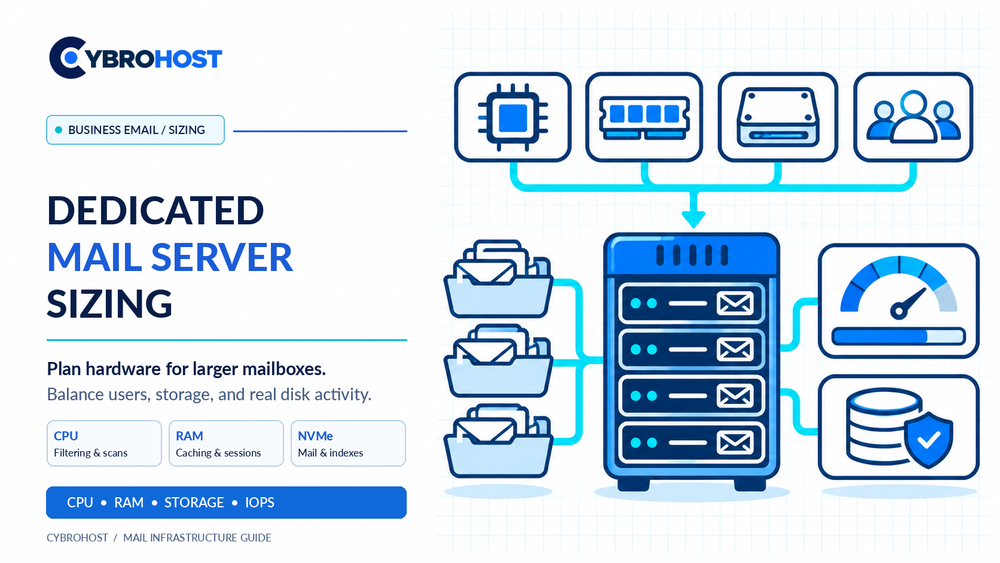
Good dedicated mail server sizing for business email starts with real mailbox usage, not just a large account count. Concurrent IMAP sessions, attachments, spam filtering, and retained messages all affect performance. Use this sizing process before ordering bare-metal hardware.
Dedicated Mail Server Sizing: Measure the Workload
Record active users, average mailbox size, daily incoming and outgoing messages, and peak simultaneous connections. Include mobile synchronization, webmail, searching, and retention requirements. One hundred active users with large attachments may create more work than hundreds of inactive accounts.
How Much CPU and RAM Do You Need?
These are initial planning ranges for a self-managed Postfix and Dovecot-style deployment, not guaranteed capacities:
| Mail workload | CPU cores | RAM | Primary concern |
|---|---|---|---|
| Small business, moderate activity | 4–8 | 16–32 GB | Basic filtering and mailbox access |
| Busy departments, frequent sync | 8–16 | 32–64 GB | Concurrent users and caching |
| Large or intensive deployment | Benchmark first | Benchmark first | Separate roles and scale-out design |
Anti-spam and antivirus scanning consume processor time. RAM supports mailbox indexes, operating-system cache, and active sessions. If you use Microsoft Exchange Server Subscription Edition, do not apply this table: Microsoft’s mailbox-role guidance recommends substantially more memory.
Calculate Mailbox Storage and Growth
Estimate actual expected data per user, not only the maximum quota. For example, 200 users × 10 GB average stored mail = 2 TB. Adding 30% growth and operating headroom gives approximately 2.6 TB of usable capacity, before separate backups or replicated copies.
Include mailbox indexes, logs, temporary files, mail queues, and attachment growth. RAID mirroring reduces usable disk capacity; a pair of 4 TB drives in RAID 1 provides approximately one drive’s capacity, not 8 TB. RAID is not a backup.
Why NVMe and IOPS Matter for Large Mailboxes
Busy IMAP servers perform many small reads and writes when users search, flag, or synchronize messages. Low disk latency may matter more than a large network port. Prefer enterprise SSD or NVMe storage, monitor IOPS and disk latency, and test realistic simultaneous mailbox access.
The official Dovecot performance guide explains why disk I/O is often the main constraint for heavily loaded IMAP services.
Plan Network, Backups, and Reliability
A 1Gbps connection may be sufficient for routine office email; calculate peak attachment transfers and synchronization traffic before choosing a faster port. Confirm inbound and outbound SMTP permissions, PTR/rDNS support, and applicable email policies with the provider.
Keep encrypted off-server backups, test restores, and monitor free storage, queue age, IMAP response times, CPU pressure, and failed logins. For critical systems, design redundancy and recovery rather than depending on a single machine.
Compare CybroHost dedicated server configurations by CPU, RAM, SSD/NVMe options, and available network capacity.
FAQs
Is 32 GB RAM enough for a dedicated mail server?
It can be a starting point for some Postfix/Dovecot deployments. Concurrent usage, filtering, and your mail software determine the real requirement.
How much storage do 500 mailboxes need?
At an actual average of 5 GB each, they contain roughly 2.5 TB of mail. Add growth, indexes, logs, and backups separately.
Does a 10Gbps port improve mailbox performance?
Not necessarily. If storage IOPS or IMAP indexing is the bottleneck, more network speed will not fix it.
Final Recommendation
Size for actual stored mail, concurrent activity, and measured disk I/O. Start with headroom, test the workload, and expand before queues or mailbox access become slow.
