
An SMTP VPS for OTP emails must deliver sensitive messages quickly and reliably. A delayed verification code can expire before a customer receives it. Password reset links face similar risks. This checklist covers secure setup, authentication, delivery monitoring, and recovery planning.
Why Use an SMTP VPS for OTP Emails?
A dedicated mail environment gives your application control over sending limits, logs, queues, and DNS settings. It also separates account-security messages from promotional campaigns. However, managing your own VPS adds responsibility for updates, abuse prevention, and sender reputation.
SMTP VPS Setup and Reliability Checklist
1. Prepare the Server and Mail Service
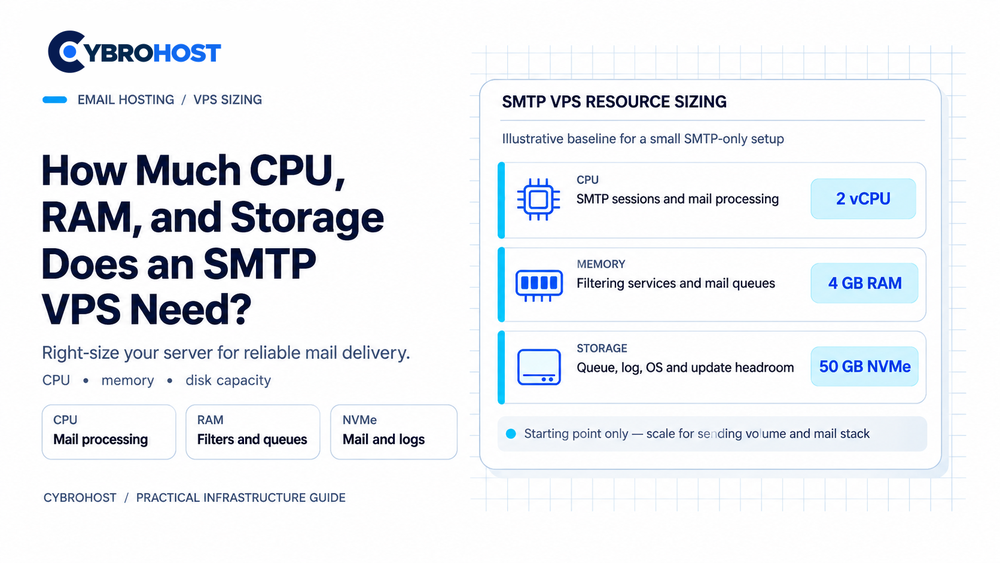
Choose a supported Linux release with sufficient RAM, disk space, and stable connectivity. Install Postfix or another maintained mail transfer agent. Configure a valid hostname and lock down administrator access.
CybroHost SMTP VPS Hosting offers self-managed Linux servers with port 25 access and PTR/rDNS options. Confirm the assigned IP’s reputation before using it for security-critical messages.
2. Secure Application-to-Server SMTP
Connect your website or application using authenticated port 587 with required STARTTLS, or 465 with implicit TLS. Keep SMTP credentials in a secret manager or protected environment variables. Never expose an open relay.
Outbound port 25 is typically needed only when your VPS delivers directly to recipients’ mail servers. An external relay can handle that delivery instead.
3. Authenticate Your Sending Domain
Publish SPF, enable DKIM signing, and configure DMARC alignment. Set PTR/rDNS for the sending IP and a matching forward DNS record. Use a consistent From address, such as security@example.com.
Test messages with Gmail and Outlook accounts. SMTP acceptance means a recipient server accepted the message; it does not prove inbox delivery.
4. Protect OTPs and Reset Links
Generate unpredictable codes or tokens with a cryptographically secure generator. Enforce short expiration periods, one-time use, and limits on verification attempts. Never place codes in application logs.
The OWASP Forgot Password Cheat Sheet also recommends consistent reset-request responses. This prevents attackers from checking which email addresses have accounts.
5. Make Delivery Fast and Recoverable
Keep OTP messages short, recognizable, and free of unnecessary tracking. Monitor queue age, delivery errors, and temporary SMTP failures. Retry transient errors with controlled backoff, but do not keep sending codes after they expire.
Set alerts for queue growth or delayed deliveries. For critical services, prepare a tested backup SMTP relay with appropriate authentication and failover rules. Avoid duplicate notifications during recovery.
6. Test the Complete User Journey
Test registration, sign-in codes, and password resets using real inboxes. Check how quickly messages arrive, whether links work, and what happens when a code expires. Review bounced messages and rejected authentication results after each deployment.
FAQs
Is port 25 required for OTP emails?
Not for application submission. Use 587 or 465; direct server-to-server delivery usually needs outbound port 25.
Can an SMTP VPS guarantee instant OTP delivery?
No. Recipient filtering, queue delays, DNS errors, and network conditions can affect arrival times.
Should OTP messages use a separate sending identity?
Usually, yes. A dedicated security sender helps isolate these messages from marketing traffic and makes monitoring clearer.
Final Recommendation
Build the SMTP VPS around secure submission, verified DNS, short-lived tokens, and measurable delivery time. Test failures before relying on email for account recovery.
