
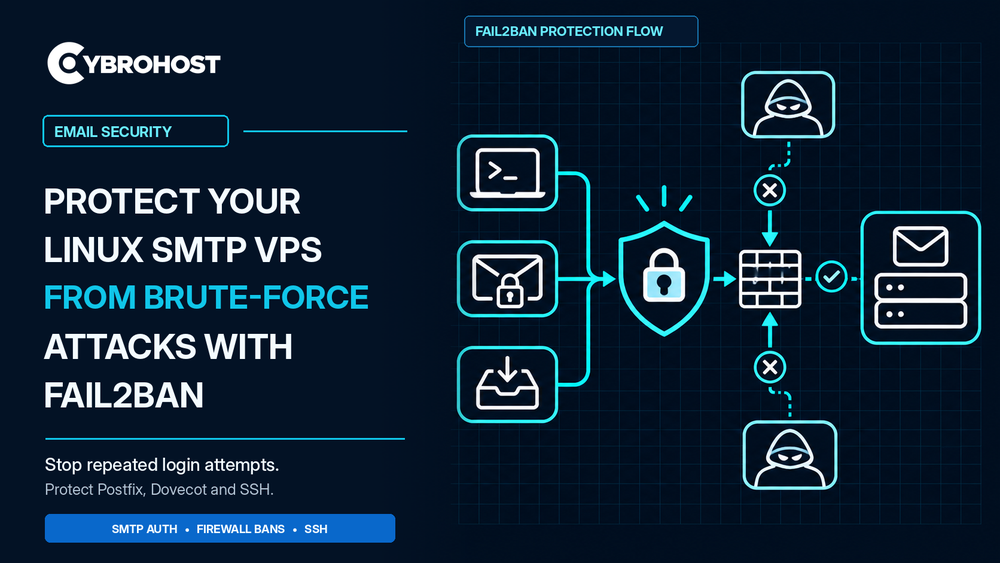
Fail2ban for SMTP VPS security helps stop repeated password guesses against your mail server. Attackers often target Postfix SMTP authentication, Dovecot mailbox logins, and SSH. Fail2ban watches failed-login records and temporarily blocks the source IP. Follow these steps to add protection without disrupting legitimate users.
Why Use Fail2ban on an SMTP VPS?
An SMTP VPS may expose ports 25, 465, and 587. Mailbox servers may also offer IMAP on 993. Attackers commonly target authenticated services rather than ordinary server-to-server SMTP delivery. Therefore, protect actual login endpoints and keep an eye on suspicious attempts.
Fail2ban for SMTP VPS: Setup Steps
1. Install Fail2ban on Ubuntu
Connect through SSH, keep a second administrator session open, and confirm your provider’s recovery console works. Then install Fail2ban and systemd journal support:
sudo apt update
sudo apt install fail2ban python3-systemd -y
2. Create a Dedicated Jail Configuration
Avoid editing the packaged jail.conf file. Instead, create /etc/fail2ban/jail.d/99-mail.local and add:
[DEFAULT]
bantime = 1h
findtime = 10m
maxretry = 5
[sshd]
enabled = true backend = systemd
[postfix-sasl]
enabled = true backend = systemd
[dovecot]
enabled = true backend = systemd
Enable the Dovecot jail only if Dovecot is installed. This example assumes authentication failures appear in the systemd journal. If your services log only to files, use their correct logpath and a file-based backend instead. Check your installed filters before applying changes.
3. Test and Activate the Jails
Validate the configuration before restarting the service:
sudo fail2ban-client -t
sudo systemctl restart fail2ban
sudo fail2ban-client status
sudo fail2ban-client status postfix-sasl
The final command shows failed attempts and banned IPs for SMTP authentication. The official Fail2ban jail configuration defines the built-in Postfix and Dovecot filters.
4. Check Logs and Firewall Bans
Confirm real authentication failures reach the relevant jail. Review journalctl -u fail2ban and the mail-server logs. Then test a controlled incorrect login from a separate IP. Check that the firewall action works and that authorized users can still connect.
5. Prevent Accidental Lockouts
Allowlist only trusted, fixed administrator addresses when appropriate. Avoid allowlisting broad networks. Keep emergency console access available. If necessary, unban a verified address using fail2ban-client set JAIL unbanip IP_ADDRESS.
6. Add Other SMTP Security Controls
Fail2ban cannot stop every distributed attack. Require strong passwords, TLS, restricted relaying, and secure application credentials. Also monitor unusual sending activity and keep your VPS updated.
CybroHost SMTP VPS Hosting provides root access and PTR/rDNS controls for self-managed Linux mail servers. Customers remain responsible for security and maintenance.
FAQs
Does Fail2ban protect SMTP port 25?
It can block IPs based on matching mail logs. However, the postfix-sasl jail mainly targets SMTP authentication failures.
Is Fail2ban enough to stop brute-force attacks?
No. It complements secure passwords, access restrictions, TLS, and monitoring. Attackers can also rotate IP addresses.
Can Fail2ban block legitimate customers?
Yes. Incorrect credentials may trigger a temporary ban. Review thresholds and provide a safe recovery process.
Final Recommendation
Start with SSH and Postfix authentication jails. Add Dovecot only when needed, verify the log source, and monitor bans regularly. Secure login practices matter more than aggressive blocking settings.
