
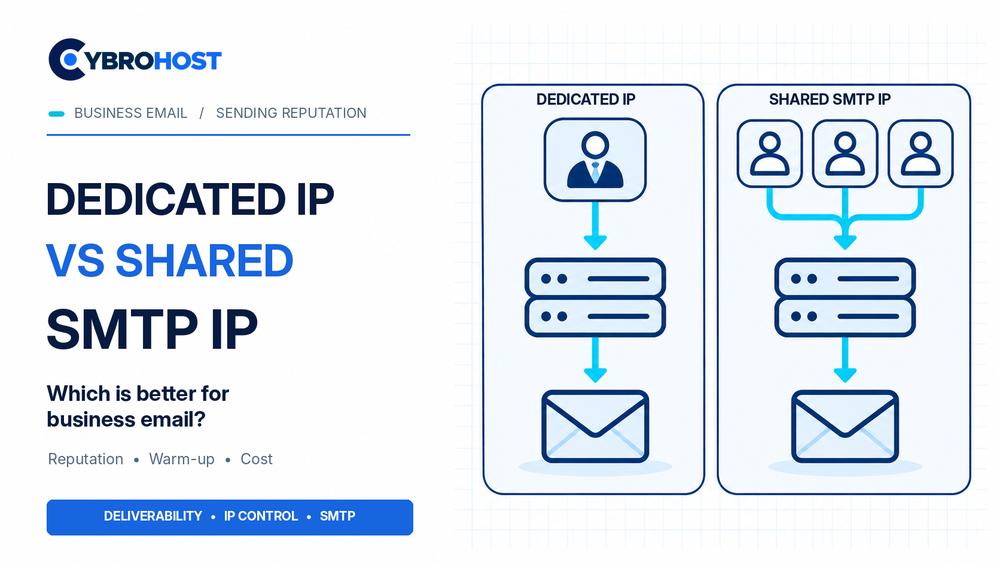
Choosing dedicated IP vs shared SMTP IP affects how your business email builds sending reputation. A dedicated IP serves one sender, while a shared SMTP IP carries email from several customers. However, neither option guarantees inbox delivery. Your email volume, authentication, and sending practices still matter.
Dedicated IP vs Shared SMTP IP: Quick Comparison
| Feature | Dedicated IP | Shared SMTP IP |
|---|---|---|
| Sending reputation | Controlled by your sending activity | Influenced by the shared pool |
| Initial warm-up | Usually required | Often handled by the provider |
| Cost | Typically higher | Usually lower |
| Best fit | Steady, higher-volume sending | Lower or irregular volume |
When Is a Shared SMTP IP Better?
A managed SMTP provider may send mail through a shared pool. This works well for smaller businesses that send invoices, booking confirmations, or occasional newsletters.
Because the pool already has sending history, you may avoid warming up an individual IP. Also, the provider handles much of the network management. However, other senders can influence shared IP reputation. Choose a provider that monitors abuse and separates different sending patterns.
Why Choose a Dedicated SMTP IP?
A dedicated IP gives your business more control over its sending reputation. It can suit predictable daily traffic, high-volume transactional messages, or operations that need a stable sending address.
However, a new dedicated IP has no established sending history. Start with modest, permission-based traffic and increase gradually. Otherwise, sudden spikes may trigger temporary limits. Also, check the IP’s previous reputation; dedicated does not automatically mean clean.
Which Option Fits Your Email Volume?
First, measure how many messages you send each day. Then compare normal traffic with peak demand.
- Low or irregular traffic: A reputable managed shared pool is often simpler.
- Consistent, growing traffic: Consider a dedicated IP when you can maintain healthy sending patterns.
- Critical account notifications: Assess delivery monitoring, failover, and separation from marketing mail, regardless of IP type.
Provider recommendations vary. Therefore, treat volume thresholds as planning guidance, not universal rules.
Business Email Setup Checklist
Before sending, configure SPF, DKIM, and DMARC. Confirm the mail server’s forward DNS and PTR/rDNS records match. Then use TLS, restrict relaying, and monitor bounces, complaints, and queue delays.
Google’s sender guidelines explain how authentication, reverse DNS, and shared-IP behavior affect Gmail delivery.
For organizations that want full server-level control, CybroHost SMTP VPS Hosting offers dedicated IP resources, root access, port 25, and PTR/rDNS controls. You still manage secure configuration and sender reputation.
FAQs
Does a dedicated IP automatically improve deliverability?
No. Poor authentication, spam complaints, and abrupt volume spikes can damage its reputation.
Can a shared SMTP IP be reliable for business email?
Yes. A well-managed shared pool can work well for legitimate, lower-volume sending.
Do dedicated IPs require warming up?
Usually, yes. Increase real sending gradually while watching rejections and recipient feedback.
Final Recommendation
Choose shared SMTP IPs for modest or unpredictable email volume. Choose a dedicated IP when you need greater reputation control and can send consistently. Either way, prioritize authentication, monitoring, and responsible email practices.
