
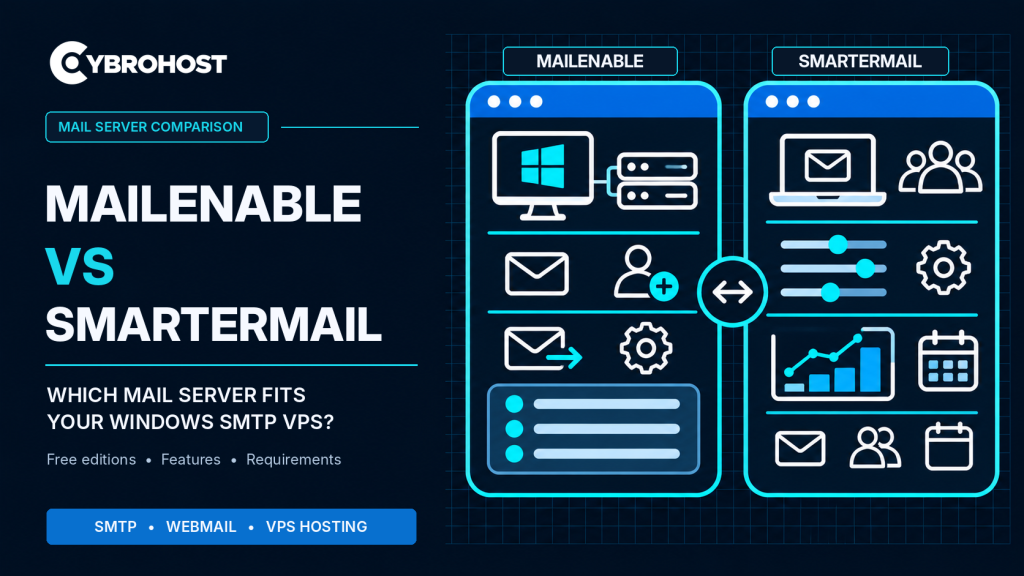
Comparing MailEnable vs SmarterMail helps you choose a Windows SMTP VPS mail server that matches your budget and business needs. Both support email sending and receiving, but their free-edition limits, administration tools, and resource requirements differ. Here is what matters before installation.
MailEnable vs SmarterMail: Key Differences
| Feature | MailEnable | SmarterMail |
|---|---|---|
| Platforms | Windows Server | Windows Server and Linux |
| Free edition | Unlimited domains and users | One domain, up to 10 users |
| Published minimum RAM | 4 GB | 6 GB |
| Core protocols | SMTP, IMAP, POP3 | SMTP, IMAP, POP3 |
| Business upgrades | Filtering, administration, collaboration | APIs, collaboration, enterprise features |
These are vendor requirements, not guarantees that a busy production server will perform well with minimum memory.
When Is MailEnable the Better Choice?
MailEnable Standard is attractive for businesses that want straightforward Windows email hosting without a license fee. Its free edition includes SMTP, IMAP, POP3, and webmail without a domain or user-count limit.
Administrators can manage domains, mailboxes, and SMTP connectors on Windows Server. Paid editions add options such as stronger webmail security, filtering, and collaboration. Check the specific edition before planning those upgrades.
Choose MailEnable when Windows-only deployment and economical basic email hosting are your priorities.
When Does SmarterMail Make More Sense?
SmarterMail offers a web-focused administration interface, reporting, and extensive automation options. It also supports Linux, although this comparison focuses on Windows VPS hosting.
SmarterMail Free allows one domain with up to 10 users. Professional and Enterprise editions expand capacity and features, while some advanced client integrations require additional licensing. Review the official SmarterMail edition comparison before purchasing.
Consider SmarterMail if you value browser-based management, API integration, reporting, or team collaboration beyond basic SMTP delivery.
Windows SMTP VPS Resources and Setup
MailEnable lists 4 GB RAM, while SmarterMail lists 6 GB RAM as minimum requirements. For production, allow additional headroom for Windows Server, antivirus, mail queues, and webmail users. Check CPU, storage, and expected mailbox growth rather than selecting a VPS by RAM alone.
CybroHost Windows SMTP VPS Hosting offers self-managed Windows servers with RDP, port 25 access, and PTR/rDNS controls. Verify the exact plan has enough resources for your chosen software.
Before going live, configure a mail hostname, forward and reverse DNS, SPF, DKIM, and DMARC. Require authenticated SMTP submission over port 587 with STARTTLS or 465 with implicit TLS. Restrict relaying and test mail delivery from external inboxes.
FAQs
Is MailEnable really free for business use?
Yes. Standard Edition is free for commercial use, with no domain or user-count limit. Premium features require another edition.
Can SmarterMail run on Windows Server 2025?
Yes. Its current requirements list Windows Server 2025. Check memory and licensing before deployment.
Which software guarantees better deliverability?
Neither. Inbox placement depends on DNS authentication, IP reputation, message quality, and recipient filtering.
Final Recommendation
Choose MailEnable for cost-effective, Windows-only mail hosting. Choose SmarterMail for deeper administration and collaboration options. In both cases, test security, performance, and deliverability before production.
