
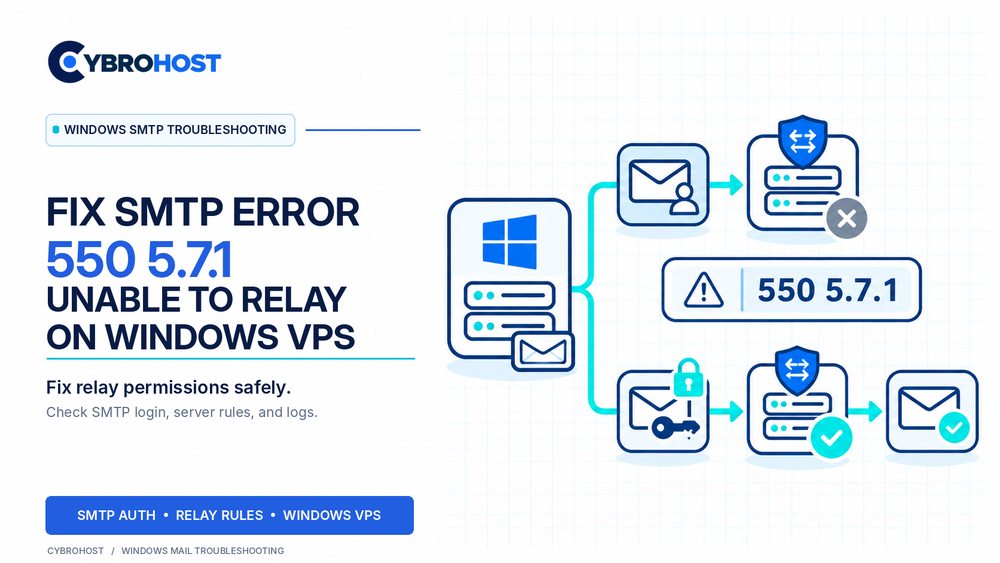
SMTP error 550 5.7.1 Unable to Relay means a mail server refused to forward a message to another destination. On a Windows VPS, this often happens when an email application has not authenticated or connects through the wrong SMTP service. The solution is to correct access permissions without creating an unsafe open relay.
What Causes SMTP Error 550 5.7.1?
A server may accept messages for its own mailboxes but reject external recipients. Common causes include missing SMTP authentication, incorrect account credentials, restrictive connector settings, or routing to a server that does not accept the recipient domain. The full bounce message and server logs help distinguish them.
How to Fix SMTP Error 550 5.7.1 on Windows VPS
1. Locate the Server Rejecting the Message
Check the full non-delivery report, especially the rejecting hostname and SMTP response. In MailEnable, compare the SMTP Activity and Debug logs at the failure time. If an upstream server rejected the message, changing your local relay settings may not resolve it.
2. Confirm the SMTP Host and Port
Configure the website, application, or email client to use your intended mail hostname. Use port 587 with STARTTLS or 465 with implicit TLS, according to your server settings. Port 25 is primarily for mail-server delivery.
Check basic connectivity from Windows PowerShell:
Test-NetConnection mail.example.com -Port 587A successful result confirms TCP access only. It does not prove TLS negotiation, login, or relay permission works.
3. Enable Authentication in the Sending Application
Turn on SMTP authentication and enter the correct username and password. MailEnable may expect mailbox@postoffice rather than the visible email address. Confirm the account is active and authorized to send. Do not turn off encryption to work around login failures.
4. Review MailEnable Relay Permissions
Open MailEnable Administration → Servers → localhost → Services and Connectors → SMTP → Properties → Relay. Ensure relaying is enabled for authenticated senders. Leave relay based only on local sender addresses disabled, and limit any privileged IP exceptions to trusted hosts.
MailEnable’s official SMTP relay documentation explains these settings and why unrestricted relaying is dangerous.
5. Check SmarterMail or Other SMTP Connectors
For SmarterMail, check Settings → Protocols → SMTP In. Its restrictive relay setting can remain in place while properly authenticated users are permitted to send. For IIS SMTP or Exchange, inspect the relevant virtual-server or receive-connector permissions and accepted domains. Never grant anonymous relay to the entire internet.
6. Retest and Review Logs
Send a legitimate test message to an external address. Then confirm an unauthenticated relay attempt is rejected. Review authentication failures, queue status, and delivery logs. SPF, DKIM, and DMARC matter for deliverability, but they cannot substitute for SMTP relay authorization.
CybroHost Windows SMTP VPS Hosting offers self-managed Windows servers with Administrator access, RDP, port 25, and PTR/rDNS controls.
FAQs
Does error 550 5.7.1 mean port 25 is blocked?
Not necessarily. A relay rejection means an SMTP server responded. A blocked connection generally produces a different connectivity error.
Should I enable relay for every IP address?
No. Require authentication or narrowly restrict trusted IPs. Open relays invite abuse and reputation damage.
Can SPF or DKIM fix an Unable to Relay error?
Not by themselves. Check SMTP login, accepted domains, and connector permissions first.
Final Recommendation
Fix the specific authentication or routing problem, keep relay access restricted, and verify both successful authorized sending and rejection of unauthorized attempts.
