
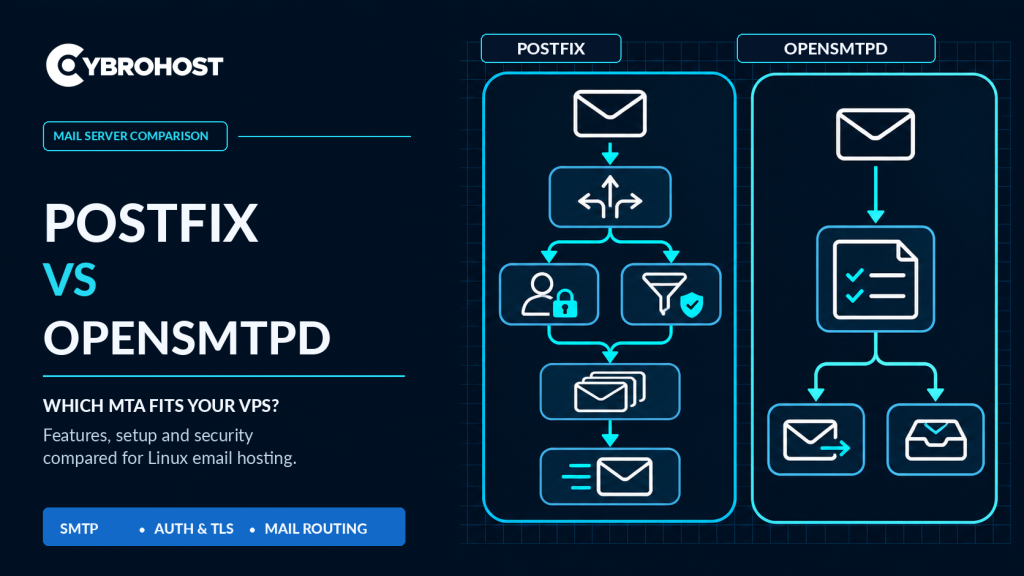
Choosing Postfix vs OpenSMTPD for a Linux VPS depends on your mail workload and administration preferences. Both are mail transfer agents (MTAs) that accept, queue, and deliver messages. Yet their configuration styles and integration options differ. Here is how to choose for transactional email or self-hosted mail.
Postfix vs OpenSMTPD: Quick Comparison
| Factor | Postfix | OpenSMTPD |
|---|---|---|
| Configuration | Detailed main.cf and master.cf settings | Compact smtpd.conf rules |
| Best suited to | Complex mail routing and integrations | Straightforward relays and smaller setups |
| Authentication | SASL through Dovecot or Cyrus | Authenticated submission using configured backends |
| Filtering | Established Milter and policy integrations | External filters and plugins |
| Linux availability | Widely packaged and documented | Portable build; check distro package versions |
When Should You Choose Postfix?
Postfix is a practical default for Linux VPS installations that need multiple domains, flexible routing, sender policies, or established spam-filter integrations. Its documentation covers virtual hosting, TLS, SASL authentication, queue controls, and troubleshooting in depth.
The trade-off is configuration complexity. You may manage several files and external components for a complete mail stack. Still, its mature tooling makes it convenient when your team needs detailed control.
When Does OpenSMTPD Make More Sense?
OpenSMTPD focuses on readable configuration. Its listen, action, and match rules describe how a server accepts and routes mail. That can make a simple outbound relay or small mail setup easier to understand.
It supports TLS, authenticated submission, and queues. However, DKIM signing or advanced filtering typically requires separate filters. On Linux, check that your distribution ships a maintained portable release with security updates.
Review the official OpenSMTPD configuration manual before deploying a production configuration.
Security and Deliverability: What Matters for Both?
Neither MTA automatically guarantees inbox placement. Configure SPF, DKIM, and DMARC, valid PTR/rDNS, and matching forward DNS. Require TLS and authentication for application submission on port 587 or 465. Never permit an open relay.
Use port 25 for direct server-to-server delivery when your provider permits it. Watch failed logins, queue delays, bounces, and IP reputation. Add an appropriate spam filter if you receive public mail.
How to Evaluate Each MTA on Your VPS
Test one MTA at a time; they cannot both bind the same IP and SMTP port simultaneously. For Postfix, check configuration and the queue:
sudo postfix check
sudo postqueue -p
For OpenSMTPD, validate its rules and inspect queued mail:
sudo smtpd -n
sudo smtpctl show queue
Commands and file paths may vary by package. Send authorized test emails, examine headers, and simulate a temporary destination failure. Compare logs, retry behavior, and ease of maintenance rather than assuming either MTA is inherently faster.
For self-managed sending, CybroHost SMTP VPS Hosting provides Linux root access, port 25 availability, and PTR/rDNS controls.
FAQs
Is OpenSMTPD faster than Postfix?
Not universally. Performance depends on configuration, message volume, filters, storage, and network conditions.
Does either MTA provide DKIM signing automatically?
No. Configure a suitable signer or integration and test receiving-server authentication results.
Can I switch MTAs without losing email?
Yes, with careful planning. Back up settings, account for queued messages, and validate delivery before switching traffic.
Final Recommendation
Choose Postfix for integration-heavy or growing mail services. Consider OpenSMTPD for simpler routing when its configuration model fits your needs. Test security and delivery before production.
