
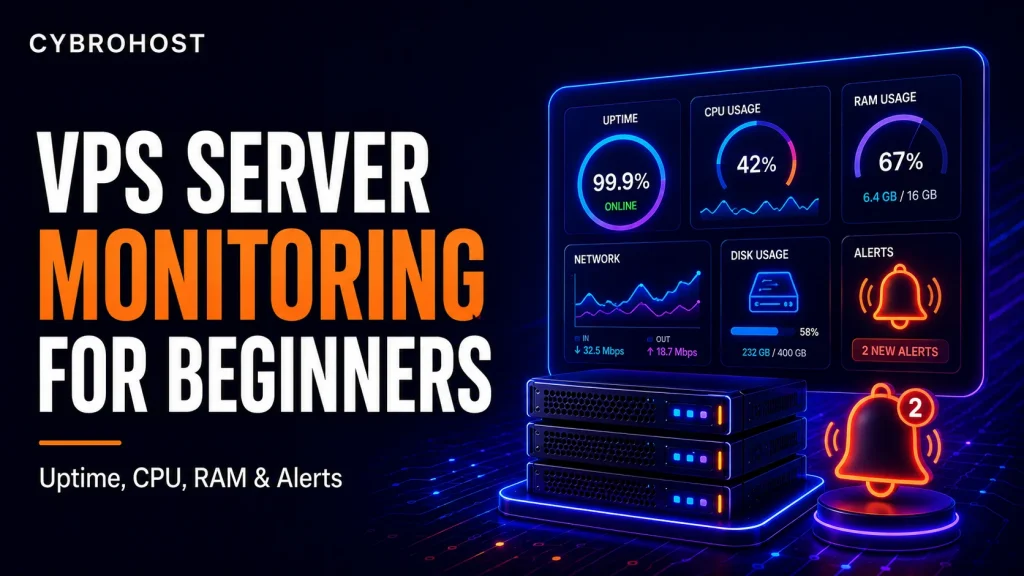
VPS server monitoring helps you understand how your server is performing. If you run a website, web app, database or mail service on a VPS, monitoring can help you detect problems before users complain.
With CybroHost Linux VPS Hosting, you get full root access and control over your server environment. That control is useful, but you should also monitor the server so you know when resources are under pressure.
Why VPS Monitoring Matters
A website can go down because of high CPU usage, full disk space, memory exhaustion, failed services, network issues or database overload. Monitoring gives you visibility into these problems. Instead of guessing, you can check real server data.
Monitor Uptime
Uptime monitoring checks whether your website or server is reachable. If your site goes offline, an uptime tool can send an alert. This is useful for business websites, ecommerce stores and client projects.
For general monitoring concepts, you can review Prometheus monitoring documentation.
Monitor CPU Usage
High CPU usage can make websites slow. It may be caused by traffic spikes, heavy scripts, database queries, malware or background tasks. If CPU usage stays high often, you may need optimization or a larger VPS plan.
Monitor RAM Usage
RAM is important for web servers, databases, caching systems and applications. If memory runs out, services can crash or become slow. WordPress websites with many plugins and ecommerce stores may need more RAM than basic websites.
Monitor Disk Space
A full disk can break websites, stop databases and prevent logs or emails from saving properly. Check disk usage regularly and remove old backups, logs or temporary files when needed.
Monitor Logs
Server logs can show errors, login attempts, failed requests and application problems. Reviewing logs helps you find issues that are not visible on the front end.
Set Alerts
Monitoring is more useful when it sends alerts. Set alerts for downtime, high CPU, high memory usage, low disk space and failed services. Alerts help you respond faster.
When to Upgrade Hosting
If your VPS often reaches resource limits, upgrading may be better than constantly fixing performance issues. For larger workloads, CybroHost Dedicated Servers offer full hardware resources. For high bandwidth needs, review 10Gbps Dedicated Servers.
Final Recommendation
Monitor uptime, CPU, RAM, disk space, traffic and logs. VPS monitoring helps keep your website stable and gives you the data needed to decide when to optimize or upgrade.
FAQs
What should I monitor on a VPS?
Monitor uptime, CPU, RAM, disk usage, traffic, services and logs.
Does VPS monitoring improve performance?
Monitoring does not directly improve performance, but it helps you find and fix performance problems.
When should I upgrade my VPS?
Upgrade when your server regularly reaches CPU, RAM or disk limits.
