

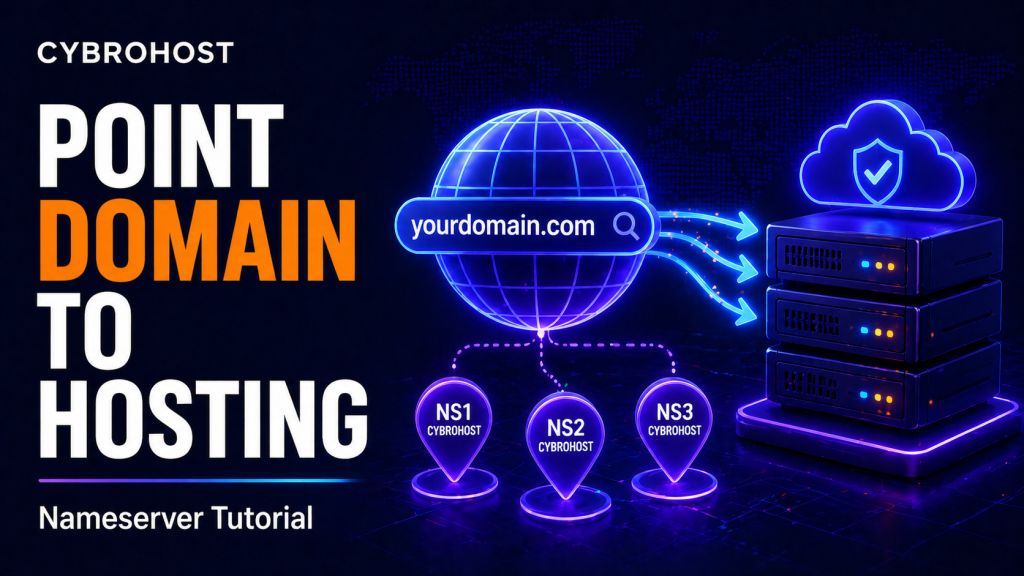
This tutorial explains how to point a domain to hosting so your website loads from your hosting account. You can connect a domain using nameservers or DNS records.
If you use CybroHost Shared Hosting, you can connect your domain to cPanel hosting and start building your website.
Step 1: Get Your Hosting Nameservers
After purchasing hosting, your provider gives you nameservers. They usually look like ns1.example.com and ns2.example.com. These nameservers tell the internet where your website is hosted.
Step 2: Log in to Your Domain Registrar
Open the account where you bought your domain. Find the DNS or Nameserver section. Replace the old nameservers with the nameservers provided by your hosting company.
Step 3: Save Changes
After adding the new nameservers, save the changes. DNS propagation can take time, so your website may not load immediately for every visitor.
Step 4: Alternative Method: Use A Record
Instead of changing nameservers, you can point the domain using an A record. An A record points your domain to a server IP address. This method is useful when you want to keep DNS managed at your registrar.
Cloudflare explains DNS records here: DNS records explained.
Step 5: Add the Domain in cPanel
If required, log in to cPanel and add the domain under Domains. Then upload website files, install WordPress or create email accounts.
Step 6: Test the Website
Open your domain in a browser. If it does not work immediately, wait for DNS propagation and check that nameservers or DNS records are typed correctly.
Hosting Options
For beginner websites, choose Shared Hosting. For custom applications or more control, choose Linux VPS Hosting.
FAQs
How long does DNS propagation take?
DNS propagation can take minutes to 48 hours depending on DNS caching and registrar settings.
Should I use nameservers or A record?
Use nameservers for simple hosting setup. Use A records when you want to manage DNS separately.
Can I point multiple domains to hosting?
Yes, depending on your hosting plan and cPanel settings.
